



















.jpg)
Most air conditioners sold after 2020 ship with a built-in WiFi module — but millions of older units don't. Both types can be controlled from your phone, scheduled remotely, and integrated into a smart home setup. The process for connecting an AC unit to WiFi depends on which category your unit falls into, and this guide covers both paths from start to finish.
How Do WiFi-Enabled Air Conditioners Work?
A WiFi air conditioner has a small wireless module embedded in the indoor unit during manufacturing. This module connects to your home router on the 2.4GHz band and communicates with the manufacturer's cloud server. When you tap "cool" in the brand's app on your phone, the command travels from app → cloud → router → AC module → compressor starts.
Units without built-in WiFi rely on infrared (IR) signals from a handheld remote — the same technology your TV remote uses. A smart AC controller bridges this gap by sitting between your router and the AC unit. It receives commands over WiFi and translates them into IR signals your air conditioner already understands. From the AC's perspective, it's receiving the same signal as the original remote. From yours, you get full smartphone control, automation, and smart home integration without replacing the unit itself.
Why Connect an Air Conditioner to WiFi?
A phone-controlled AC isn't a luxury feature — it changes how you use energy and how comfortable your home stays when you're not micromanaging the thermostat. Here's what opens up once you connect AC to WiFi:
- Remote control from anywhere. Stuck at work and forgot to turn off the AC? Fix it from your phone. Heading home early on a 95°F day? Start cooling 15 minutes before you walk in.
- Scheduling and automation. Set your unit to drop to 72°F at 10 PM, rise to 76°F at 7 AM, and shut off at 8 AM when the house empties. No more running the AC all night at one fixed temperature.
- Energy savings between 15–30%. The U.S. Department of Energy estimates that programmable setback schedules reduce cooling costs by roughly 10% per year. Add geofencing — where the AC shuts off when your phone leaves a set radius — and savings climb higher.
- Smart home integration. Voice commands through Alexa, Google Home, or Siri. Routines that trigger your AC alongside lights, blinds, and fans. HomeKit automations that cool a room when a sensor detects occupancy.
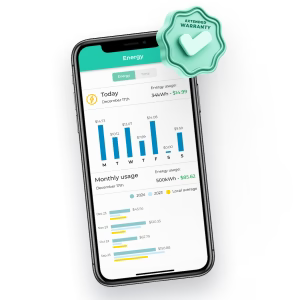
- Usage tracking and diagnostics. Most WiFi-connected AC apps log runtime hours, temperature patterns, and energy consumption over time. Some flag unusual spikes that may indicate a dirty filter or refrigerant issue before it becomes a repair bill.
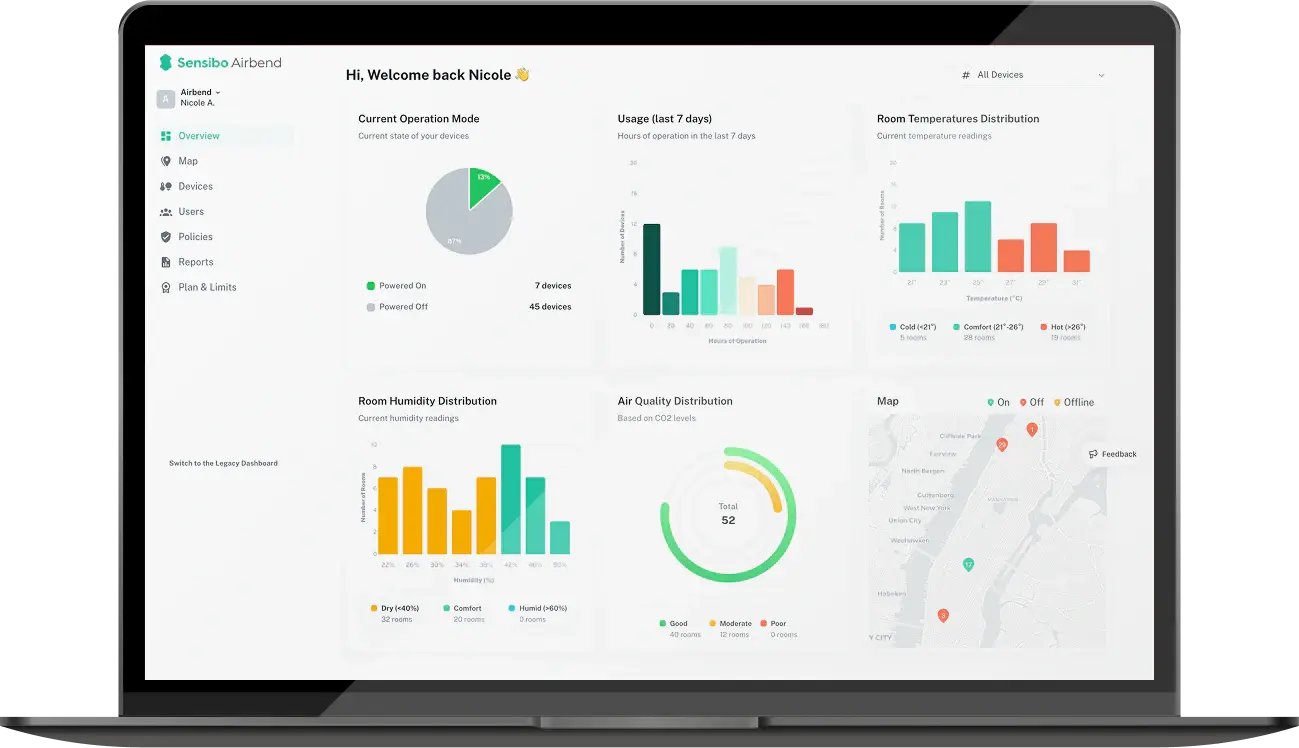
- Multi-unit and multi-room control. Manage several ACs from a single app dashboard — particularly useful for property managers, Airbnb hosts, or anyone with units across multiple rooms or locations.
The common thread: a WiFi-connected AC responds to your life patterns instead of forcing you to respond to it.
Can I Add or Install WiFi to an Air Conditioner?
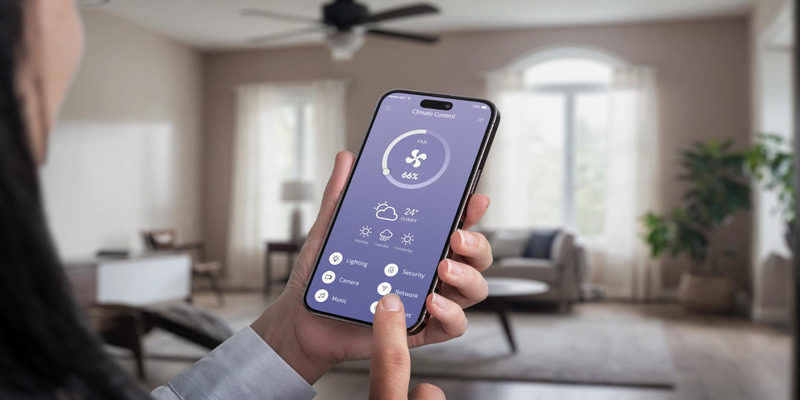 Yes — even if your air conditioner rolled off the factory line before smart home technology existed.
If your AC already has a built-in WiFi module, you're set. Most units from Mitsubishi, Daikin, LG, Samsung, Fujitsu, and other major brands manufactured after 2018–2020 include one. Check your owner's manual or look for a "WiFi" indicator on the indoor unit's display panel. Some models require purchasing a manufacturer-specific WiFi adapter that plugs into a port on the unit — Mitsubishi's MAC-568IF-E and Daikin's BRP069B45 are common examples. These adapters typically cost $50–$120 and connect to the brand's proprietary app.
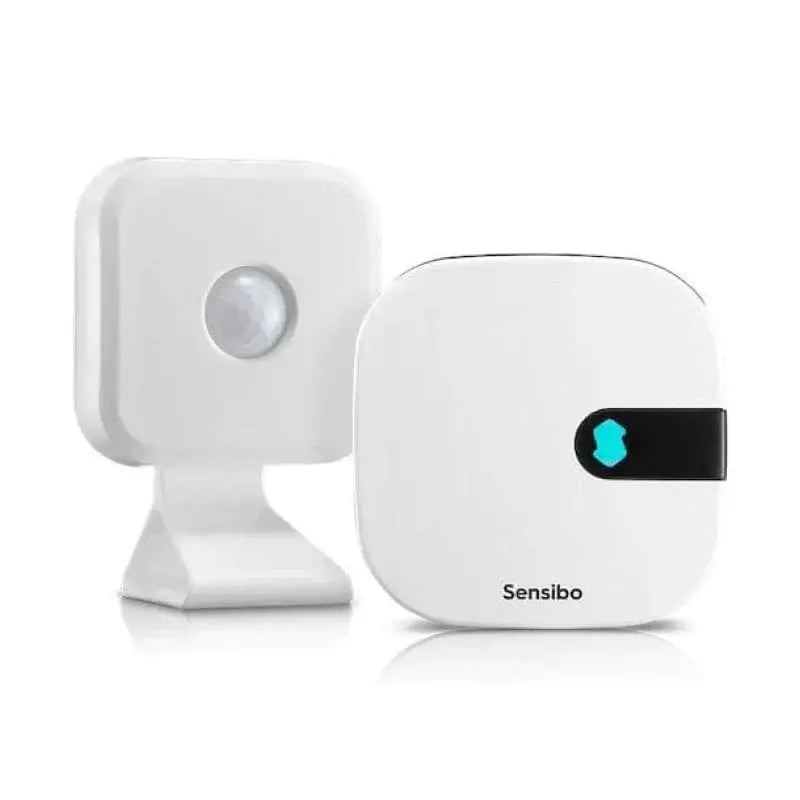
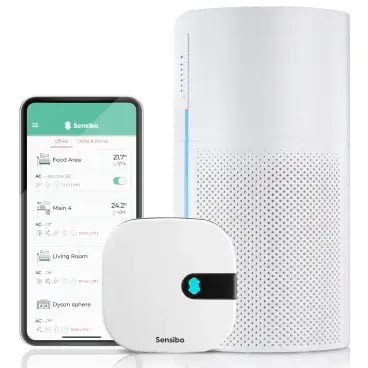
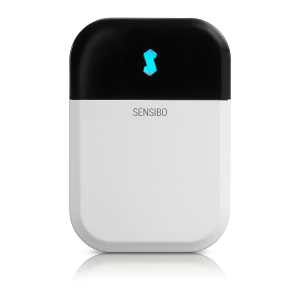
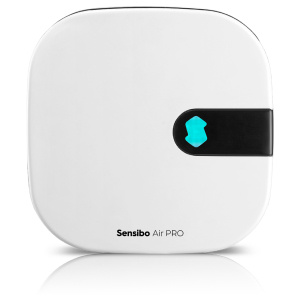
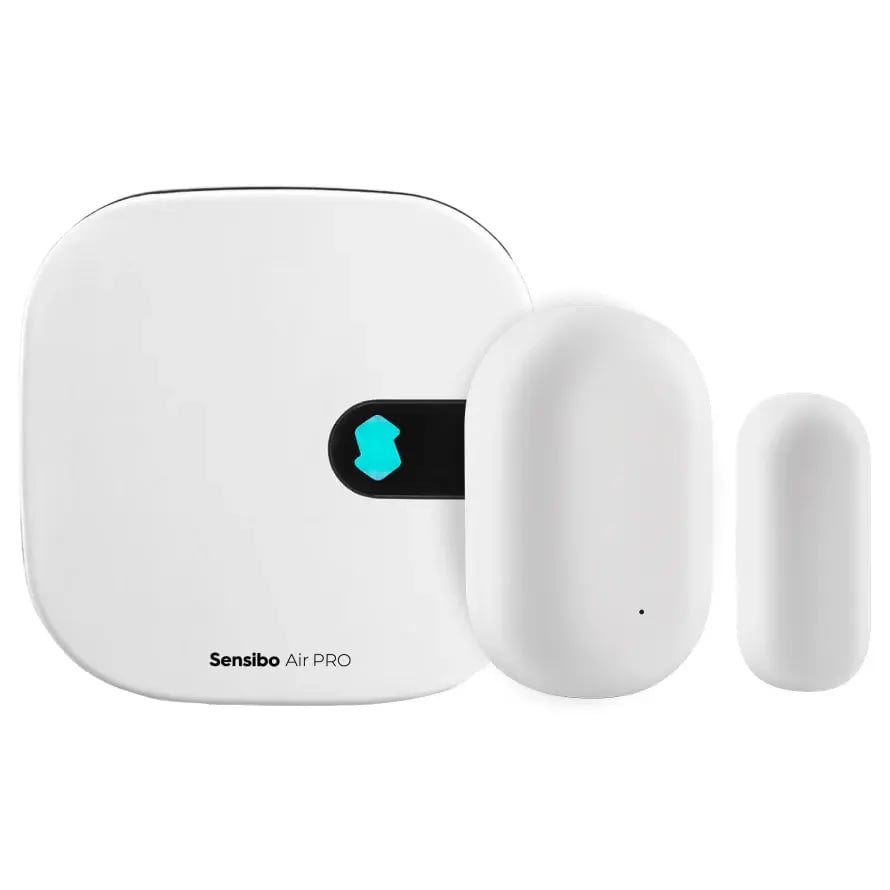
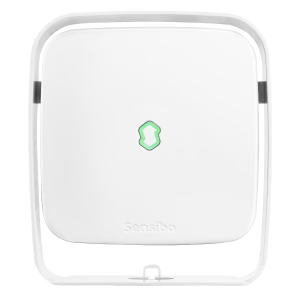
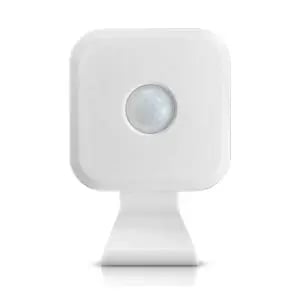
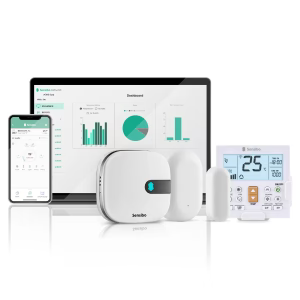
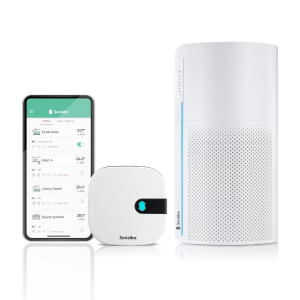
If your AC has no WiFi capability at all, a smart AC controller does the job. These small devices mount on a wall or shelf within line of sight of the AC's IR receiver — the same spot you'd point your remote at. The controller connects to your home WiFi and replicates every function of your original remote through its app: temperature, fan speed, swing direction, mode switching. Products like the Sensibo Air take it further with features the original remote never had — geofencing, weekly schedules, Climate React automation that adjusts settings based on real-time temperature and humidity readings, and full integration with Alexa, Google Home, and Apple HomeKit.
The only real requirement is line of sight between the controller and the AC unit's IR sensor, plus a 2.4GHz WiFi network within range. Installation takes about a minute with no tools and no electrician.
How to Connect Air Conditioning to WiFi Step-by-Step
The process differs depending on your setup. Find your scenario below and follow the matching steps.
Connecting an AC With Built-In WiFi
Step 1: Activate the WiFi Module on Your AC Unit
Power on the air conditioner and locate the WiFi activation button — it's usually on the indoor unit's body, behind the front panel, or triggered through the remote control's menu. On most Mitsubishi units, press and hold the "WiFi" button for 3 seconds until the LED blinks. Daikin models often require navigating to Settings → WiFi → Enable through the wired remote. LG units with ThinQ typically activate WiFi by holding the "Power" and "Fan" buttons simultaneously.
Your owner's manual has the exact sequence for your model. Once activated, the unit broadcasts a temporary WiFi signal (usually named something like "AC_XXXX" or the brand name followed by digits).
Step 2: Download the Manufacturer's App
Install the brand-specific app on your smartphone:
|
Brand |
App Name |
Available On |
|
LG |
LG ThinQ |
iOS, Android |
|
Samsung |
SmartThings |
iOS, Android |
|
Daikin |
Daikin Mobile Controller |
iOS, Android |
|
Mitsubishi Electric |
MELCloud |
iOS, Android |
|
Fujitsu |
FGLair |
iOS, Android |
|
Panasonic |
Panasonic Comfort Cloud |
iOS, Android |
Create an account or sign in. Grant the app location and Bluetooth permissions when prompted — most pairing processes use these to discover your unit.
Step 3: Pair the App to Your AC Unit
Open the app, tap "Add Device" or the "+" icon, and select your AC model from the list. The app will scan for the unit's broadcast signal. When it appears, tap to connect. The app then asks for your home WiFi credentials — enter the password for your 2.4GHz network (not the 5GHz band; most AC modules don't support it). The unit downloads the credentials, stops broadcasting, and connects to your router. This handshake takes 30–90 seconds.
Once connected, the app displays your AC's current status. Test it: change the temperature by one degree from the app and confirm the unit responds.
Step 4: Configure Schedules and Smart Home Links
Set up weekly schedules, temperature presets, and any automation the app supports. If you use Alexa, Google Home, or HomeKit, open the respective smart home app and link the manufacturer's skill or integration. Most require signing in with the same account you created in Step 2.
Connecting an AC Without Built-In WiFi (Using a Smart Controller)
This path works for any air conditioner or heat pump that uses an infrared remote — window units, portable ACs, wall-mounted mini-splits, even older central systems with IR receivers.
Step 1: Choose and Position Your Smart Controller
Mount the controller on a wall or place it on a shelf where it has a clear line of sight to the AC unit's IR receiver — that small dark window on the front panel where you point your remote. Keep the distance under 8 meters (26 feet) for reliable signal transmission. The Sensibo Air, for example, mounts with an adhesive pad or screw bracket and plugs into any USB power source.
Step 2: Download the Controller's App and Create an Account
Install the smart controller's companion app (Sensibo, for instance, is available on iOS, Android, and web). Create an account with your email, then tap "Add Device" and scan the QR code printed on the controller or its packaging. The app walks you through granting necessary permissions.
Step 3: Connect the Controller to Your WiFi Network
The app prompts you to select your home WiFi network and enter the password. Again — 2.4GHz only. Most smart controllers don't support 5GHz bands. The controller connects to your router within 30–60 seconds, and a confirmation appears in the app.
Step 4: Pair With Your Air Conditioner's Remote Profile
This is where the smart controller learns what signals to send. The app displays a list of AC brands — select yours, then the specific model or series. The controller loads the matching IR command set. Some apps ask you to point your original remote at the controller and press a few buttons so it can identify the exact protocol automatically.
Confirm pairing by testing power on/off, temperature changes, and fan speed adjustments from the app. Each command should produce the same response as pressing the physical remote button.
Step 5: Set Up Automation and Integrations
With the controller paired, configure the features that made this whole exercise worth it. Set weekly schedules, enable geofencing so the AC shuts off when everyone leaves the house, and activate temperature-triggered rules (Climate React on Sensibo devices) that automatically adjust cooling or heating when the room drifts outside your comfort range. Link the controller to Alexa, Google Home, Apple HomeKit, or SmartThings through the app's integration settings.
AC Won't Connect to WiFi? Common Problems and Fixes
 You're Connecting to the 5GHz Band Instead of 2.4GHz
This is the single most common reason an AC or smart controller refuses to connect. Most WiFi modules in air conditioners and smart controllers only support the 2.4GHz frequency. If your router broadcasts a combined network (both bands under one name), the device may latch onto 5GHz and fail silently.
Fix: Log into your router's admin panel and either split the bands into two separate network names (e.g., "HomeWiFi" and "HomeWiFi_5G") or temporarily disable the 5GHz band during setup. Once the AC connects on 2.4GHz, re-enable 5GHz — your phone will use whichever band it prefers while the AC stays on 2.4.
The AC Is Too Far From the Router
WiFi signals weaken through walls, floors, and distance. If your air conditioner sits three rooms away from the router with concrete walls between them, the signal may be too weak to maintain a stable connection.
Fix: Check signal strength at the AC's location using a free WiFi analyzer app on your phone. If the signal reads below -70 dBm, move the router closer, add a WiFi extender or mesh node near the AC, or reposition the smart controller to a spot with stronger reception.
The Manufacturer's App Is Outdated or Glitching
Pairing failures sometimes have nothing to do with the AC itself. An outdated app version, corrupted cache, or a server-side hiccup can stall the connection handshake.
Fix: Update the app to the latest version. If pairing still fails, uninstall, reinstall, and try again. On Android, also clear the app's cache (Settings → Apps → [App Name] → Storage → Clear Cache). If multiple attempts fail on one phone, try a different device — some phones handle Bluetooth discovery and WiFi handoffs more reliably than others.
The WiFi Password Contains Special Characters the Module Can't Process
Some older AC WiFi modules choke on passwords with unusual characters like emojis, backticks, or certain Unicode symbols.
Fix: Temporarily change your WiFi password to something using only letters, numbers, and basic punctuation. Complete the pairing, then change the password back and reconnect the AC.
The AC's WiFi Module Needs a Reset
If the module was previously paired to a different network or app account, residual settings can block new connections.
Fix: Perform a factory reset on the WiFi module. On most units, this means holding the WiFi button for 10–15 seconds until the indicator light flashes rapidly. Smart controllers like Sensibo devices can be reset through the app under Device Settings → Remove Device, then re-added fresh.
.jpg?height=200&name=3888%20(1).jpg)
.jpg?height=200&name=photo_2023-12-04_19-16-57%20(1).jpg)