



















If you have more than one air conditioner or heat pump and you want all of them managed from a single place, Sensibo can handle that. There is no limit on the number of devices you can add to one account, and the setup scales from a few rooms in a house all the way to hundreds of units spread across multiple buildings. Below, we break down how multi-unit control works, what tools Sensibo offers for homes versus businesses, and what kind of results you can expect.
How Sensibo Controls Multiple AC Units
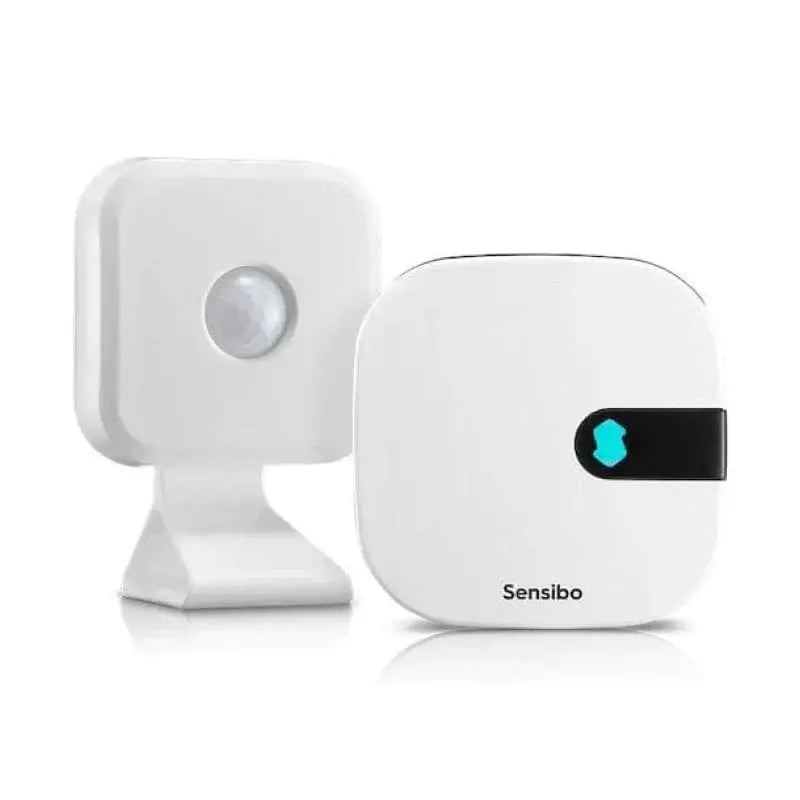
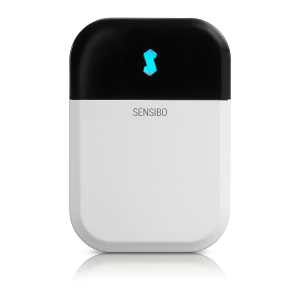
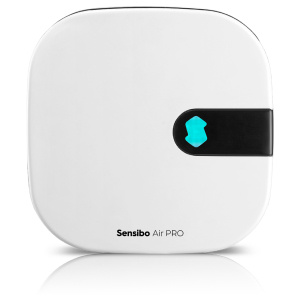
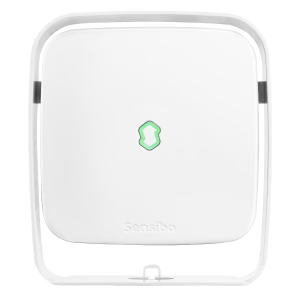
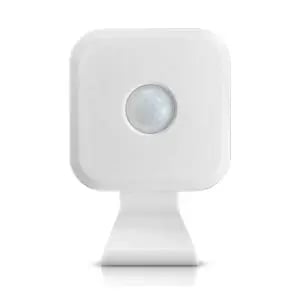
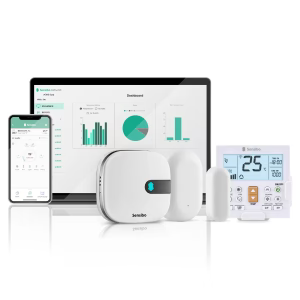
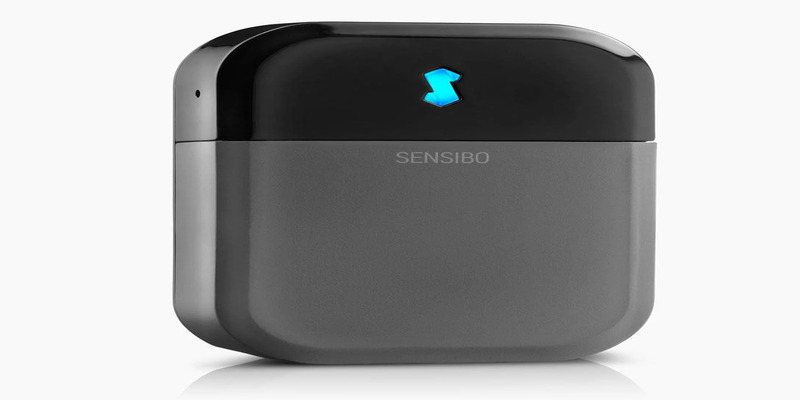
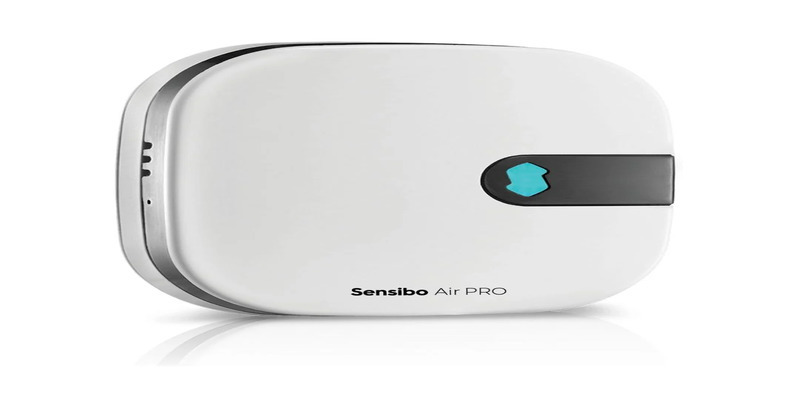
Sensibo is a retrofit smart controller that attaches to any air conditioner or heat pump operated by a remote control. The device is small, wireless, and installs in about a minute with no tools and no modifications to the AC unit. It communicates with your air conditioner through infrared signals, the same technology your original remote uses, and connects to your Wi-Fi network so you can operate the unit from a phone, tablet, or computer.
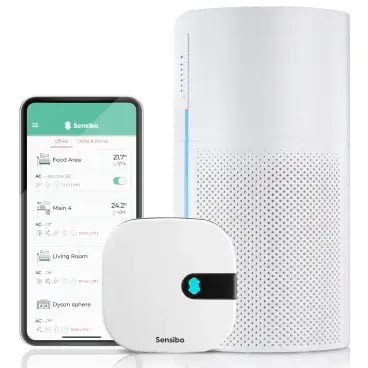
The one-device-per-unit model is the key to multi-AC control. You place one Sensibo controller on each air conditioner you want to manage. Once all devices are connected to the same Sensibo account, they appear together in the app, and you can operate any of them individually or as a group.
 From there, the app lets you do the same things you would do with a remote, plus a lot more. You can adjust:
- temperature,
- fan speed,
- and mode on each unit.
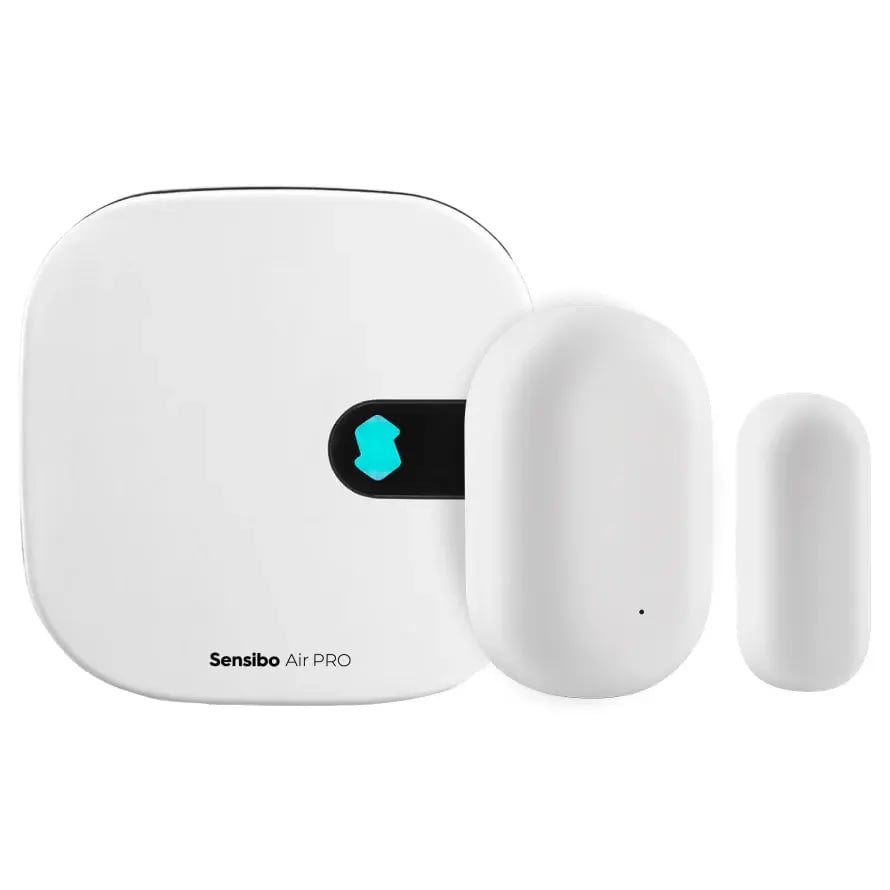
You can build 7-day schedules per device, set geofencing triggers that turn units on or off based on your phone's location, and create Climate React automations that respond to real-time temperature and humidity readings. If you have Sensibo Air Pro controllers, built-in air quality sensors also track TVOC, CO2 equivalent, and PM2.5 levels for each room.
Grouping makes multi-unit management practical.
You can organize devices by room, floor, or zone, then apply a schedule or temperature change to the whole group at once instead of adjusting each unit individually. For a home with three or four units, this saves a few taps. For a business with fifty or two hundred units, it changes how the entire operation runs.
Sensibo is compatible with over 10,000 AC models across all major brands, including Mitsubishi, Daikin, Fujitsu, LG, Samsung, Carrier, Trane, and others. If your AC responds to an IR remote, it will work with Sensibo.
Sensibo App vs. Sensibo Airbend
 The Sensibo mobile app and the Sensibo Airbend platform both let you control multiple AC units from one place. They are built for very different scales.
The Sensibo app (available on iOS, Android, and web) is designed for homeowners, Airbnb hosts, and small offices. You can add as many devices as you want, group them by room, build schedules, and set up automations. If you are managing a house with several split systems or a small workspace with units across a few rooms, the app covers everything you need.
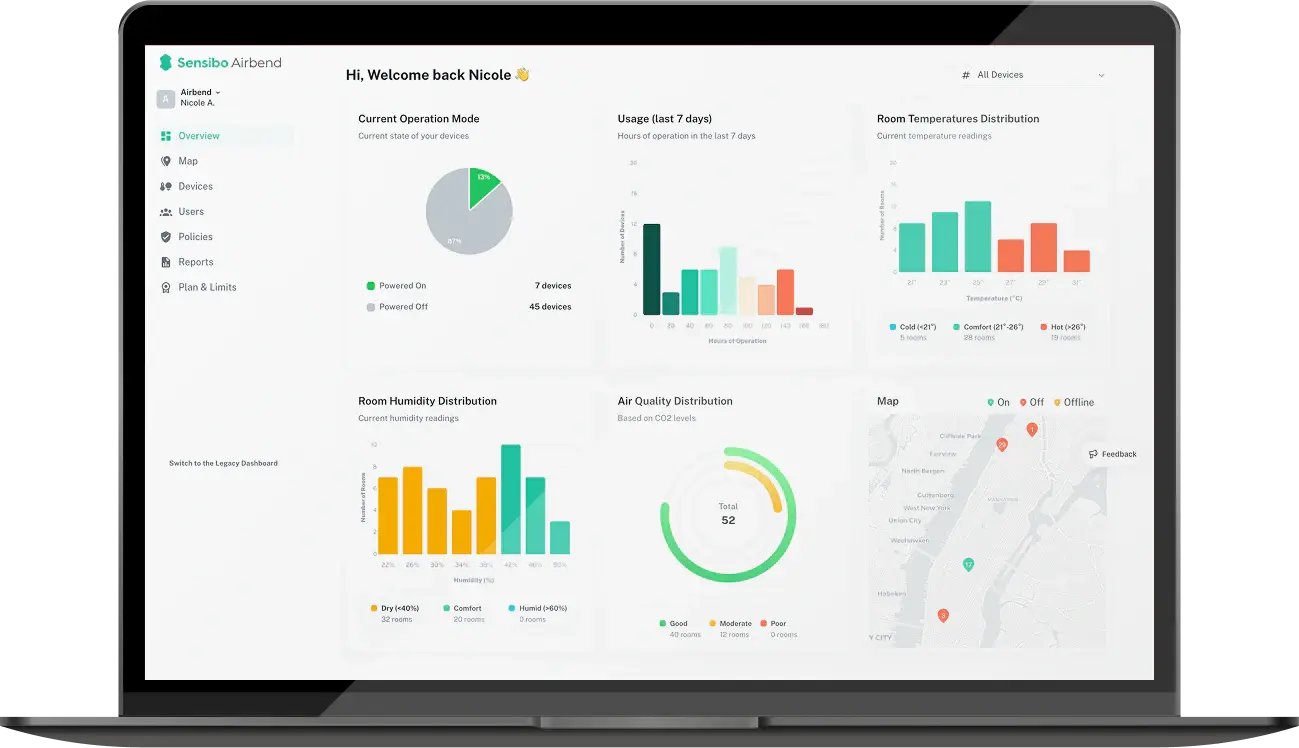
Sensibo Airbend is a dedicated HVAC management platform built for businesses running dozens to hundreds of units across one or more locations. It adds a layer of operational tools that the consumer app does not have.
|
Feature |
Sensibo App |
Sensibo Airbend |
|---|---|---|
|
Number of devices |
Unlimited |
Unlimited |
|
Remote control from anywhere |
Yes |
Yes |
|
Scheduling and automations |
Per device or group |
Per device, group, zone, or building |
|
Bulk actions across many units |
Limited |
Yes, across all locations |
|
Multi-location management |
Single view of all devices |
Centralized dashboard organized by site |
|
User roles and permissions |
Single account owner |
Multiple users with role-based access |
|
Energy usage reporting |
Basic per-device stats |
Detailed reports by device, zone, and time period |
|
Usage policy enforcement |
No |
Yes |
|
Commercial API access |
No |
Yes |
When the App Is Enough
A homeowner with three mini-splits, an Airbnb host managing a rental unit with two AC systems, or a small office with five to ten units can run everything through the Sensibo app without needing anything else. The optional Sensibo Plus subscription ($2.99/month or $29.99/year) adds advanced scheduling, multi-user geofencing, and expanded air quality history if you want more out of the app.
When You Need Airbend
Once you are managing AC across a hotel with dozens of guest rooms, a school campus with classrooms in multiple buildings, or a retail chain with locations in different cities, the consumer app runs into practical limits.
Airbend gives facility managers a single dashboard where they can monitor every unit across every site, push schedule changes or temperature policies to hundreds of devices at once, pull energy reports by building or time period, and grant access to different staff members with appropriate permissions.
Sensibo handles the hardware setup and platform configuration as part of the Airbend subscription.
 Which Facilities Benefit Most from Multi-AC Control?
Any building with more than a few AC units can benefit from centralized control, but certain facility types see outsized returns because of how they use their spaces.
|
Facility Type |
Why Multi-AC Control Matters |
|---|---|
|
Hotels and short-term rentals |
Guest rooms sit empty for hours between check-out and check-in. Centralized scheduling lets staff cool rooms down before arrival and shut units off after departure without walking floor to floor. |
|
Schools and universities |
Classrooms follow rigid timetables. AC can run on class schedules and shut off automatically during breaks, weekends, and holidays, which is where the biggest waste typically happens. |
|
Retail chains |
Stores across multiple cities need consistent temperatures for customer comfort, but each location has different hours, foot traffic, and weather. Remote multi-location control lets regional managers adjust settings per store without being on-site. |
|
Office buildings |
Different floors and zones have different occupancy patterns throughout the day. Grouping units by zone and tying schedules to working hours prevents cooling empty conference rooms and after-hours offices. |
|
Restaurants and cafés |
Kitchens generate significant heat while dining areas need to stay comfortable for guests. Independent control of kitchen and dining zones avoids the common problem of overcooling one space to compensate for the other. |
|
Healthcare facilities |
Patient comfort and air quality have direct clinical implications. Monitoring temperature, humidity, and air quality per room from one dashboard helps maintain consistent conditions across wards, waiting areas, and treatment rooms. |
The common thread across all of these is the gap between how AC units are used and how they should be used. Most businesses leave units running on the same settings all day because adjusting them manually across a building is tedious and easy to forget. Centralized control closes that gap by letting you set rules once and have them apply everywhere, automatically.
How Businesses Manage Multiple AC Units with Sensibo
7-Eleven Hong Kong
When 7-Eleven Hong Kong came to us, they had over 300 convenience stores across the city. Each one running its own AC units. No connection between them. Nobody at headquarters could tell which stores were overcooling, which had units left on overnight, or where energy was slipping away.
Together with their facilities partner City FM Asia, we rolled out Sensibo Airbend across the entire retail network and brought every store onto a single dashboard.
Now their operations team monitors and adjusts HVAC in any location from one screen. Energy consumption dropped chain-wide. Maintenance issues get flagged automatically instead of waiting for a customer complaint.
 ORT Educational Network
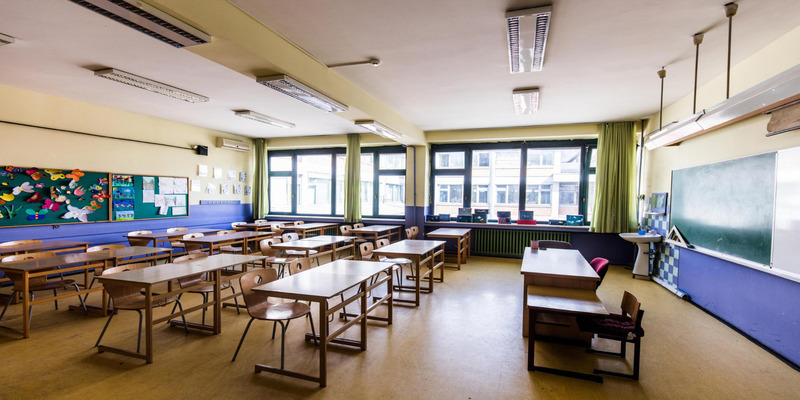
ORT Bialik is one of the largest educational networks in Israel, and they had a familiar problem. AC units kept running at full blast during school breaks, weekends, and holidays when the buildings were completely empty. Teachers had no consistent way to manage classroom temperatures, and the energy bills showed it.
We set them up with Sensibo Airbend across their school campuses, tied scheduling to class timetables, and gave administrators the ability to enforce temperature policies from one central dashboard.
The outcome was a 28% reduction in AC costs. They did not replace a single unit to get there.
Prestige Booking
Prestige Booking manages multiple hotel properties. Their operations staff used to spend a good chunk of the day walking hallways to adjust guest room AC units by hand. Rooms sat cooling for hours after check-out. No easy way to pre-cool before a guest arrived without sending someone to the room.
We worked with their team to connect every guest room unit to a centralized system. Now they schedule AC to match booking calendars, shut units off automatically after check-out, and track energy use per room from their office.
Less wasted energy. Happier guests walking into a comfortable room. Staff freed up to focus on things that matter more than thermostat buttons.
Key Features for Managing Multiple Units
 Every Sensibo controller comes with a set of tools that make multi-unit management practical, not just possible.
- Device Grouping. Organize units by room, floor, wing, or building, then apply changes to the whole group at once instead of adjusting each unit individually.
- 7-Day Scheduling. Each device or group runs on its own weekly schedule automatically. Nobody needs to remember to touch a thermostat.
- Geofencing. The app tracks your phone's location and turns AC on or off as you come and go. For homes and small offices, this alone prevents the most common source of wasted energy.
- Proactive Maintenance Alerts. Sensibo's AC Health Check monitors your units and flags issues like dirty filters or unusual power draw before they become breakdowns.
A few features deserve a closer look because they do more than basic remote control.
Climate React monitors real-time temperature and humidity readings from your Sensibo's built-in sensors and adjusts the AC to stay within the range you set. You pick a target, and the system holds it. This is especially useful for spaces where conditions shift throughout the day, like a sun-facing office that heats up every afternoon or a server room that needs to stay within a narrow band.
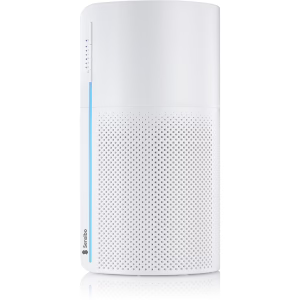
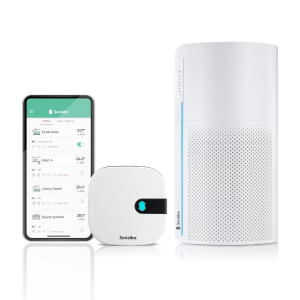
Air Quality Monitoring is available on Sensibo Air Pro controllers, which have built-in sensors tracking TVOC, CO2 equivalent, and PM2.5 per room. When levels drop below what you define as acceptable, you get push notifications and can trigger automations that activate ventilation or a Sensibo Pure air purifier. For schools and healthcare facilities, this data also serves as documentation that indoor air standards are being met.
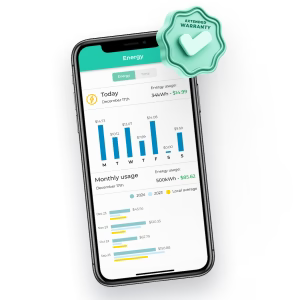
Energy Reporting logs how much each unit runs, when, and in what mode. On the Airbend platform, you can pull these reports by device, zone, or time period across every location in your portfolio. That level of detail is how facility managers find the unit running 18 hours a day in a room that is only occupied for 8.
How to Set Up Sensibo Across Multiple AC Units
 The process is the same whether you are setting up two units or two hundred. Each Sensibo controller goes through the same steps, and the whole thing takes about a minute per device.
- Plug in the Sensibo device near your AC unit using the included USB power cable. No wiring, no mounting hardware, no tools required. Double-sided adhesive tape is included if you want to stick it to a wall.
- Open the Sensibo app and scan the QR code on the device. The app walks you through connecting the controller to your Wi-Fi network.
- Pair with your AC. The app detects your air conditioner's brand and model automatically through its IR database. Once paired, your phone replaces the original remote.
- Repeat for each unit. Every new device you add shows up in the same account, on the same screen. Name each one by room or location so you can tell them apart at a glance.
Once all your devices are connected, you can start grouping them, building schedules, and setting up automations. For businesses deploying at scale through Airbend, Sensibo handles the initial configuration and platform setup as part of the subscription.


.jpg?height=200&name=photo_2024-01-19_19-25-54%20(1).jpg)