




















The average American home wastes 20-30% of its heating energy through poor thermostat management. Rooms get heated when nobody's home. Temperatures stay high overnight when blankets would do. A smart thermostat fixes these patterns by automating energy efficient thermostat settings based on your actual schedule and location. For a household spending $200 monthly on heating, proper thermostat energy savings winter optimization could return $20-40 each month.
What Makes a Thermostat "Energy Efficient"?
Efficiency means not paying to heat empty space or maintain temperatures you don't need. The U.S. Department of Energy has studied this extensively. The smaller the gap between indoor and outdoor temperatures, the slower your home loses heat. Drop from 72°F to 62°F while sleeping, and your furnace runs less because heat escapes more slowly.
The challenge with manual thermostats is consistency. You rush out the door for work and the house stays at 70°F all day. Smart thermostats handle these adjustments automatically.
Recommended Temperature Settings
|
Situation |
Temperature |
Why It Works |
|
Home and awake |
68°F |
Balances comfort with efficiency |
|
Sleeping |
60-67°F |
Cooler temps improve sleep quality |
|
Away for work |
58-62°F |
8-hour setback saves up to 10% |
|
Short vacation |
55-60°F |
Prevents frozen pipes while saving |
|
With pets home |
65-67°F minimum |
Keeps animals comfortable and safe |
7 Ways to Optimize Your Smart Thermostat for Winter
1. Set the Right Base Temperature
Start with 68°F as your daytime winter thermostat setting when you're home. This temperature works as the balance point between comfort and efficiency. If 68°F feels too cool initially, try adding a layer or using a throw blanket. Your body adjusts within a few days, and every degree matters.
For nighttime, aim for 60-67°F. Cooler sleeping temperatures actually improve sleep quality. A warm comforter handles the rest.
2. Build a Schedule That Matches Your Routine
Program your thermostat to lower the temperature about 30 minutes before you typically leave for work. Then set it to start warming the house 30 minutes before you return. Say you leave at 8 AM and get home at 6 PM. Your schedule would drop the temperature at 7:30 AM and begin warming at 5:30 PM.
Many smart thermostats learn your patterns automatically over time. After a few weeks, the device knows your Tuesday runs later than your Friday.
3. Use Geofencing to Eliminate Waste
Geofencing uses your smartphone's location to detect when household members leave or approach home. When everyone's gone, the thermostat drops to an energy-saving temperature. When the first person heads back, warming begins automatically.
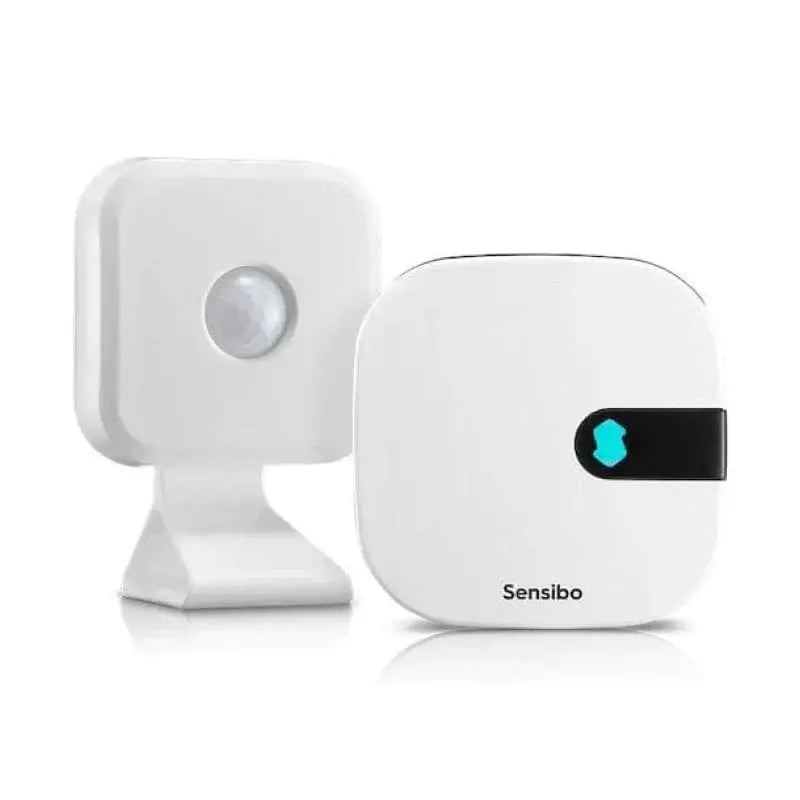
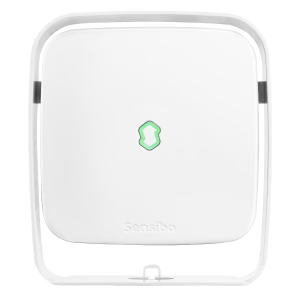
Sensibo's smart controllers include geofencing that works across multiple family members' phones. If your teenager comes home from school at 3 PM but you don't arrive until 6 PM, the system responds to whoever arrives first.
4. Position Your Thermostat Correctly
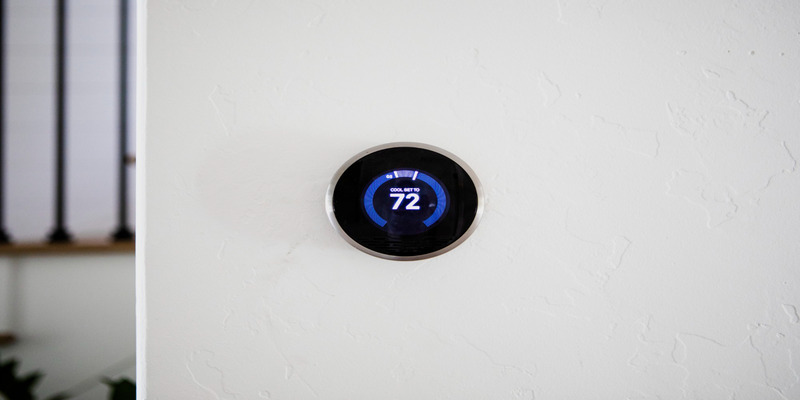 Where your thermostat sits affects its readings and your comfort. A thermostat mounted on a sunny wall might read 74°F while the rest of your house shivers at 65°F. Avoid placing thermostats near sunny windows, kitchens, fireplaces, or heating vents. The best location sits on an interior wall in a frequently used room.
5. Focus Heating Where You Need It
If your heating system supports zoning, or if you use ductless mini-splits in different rooms, concentrate warmth in spaces you actually use. There's no reason to maintain 68°F in guest bedrooms that sit empty for months or that basement office you visit twice weekly.
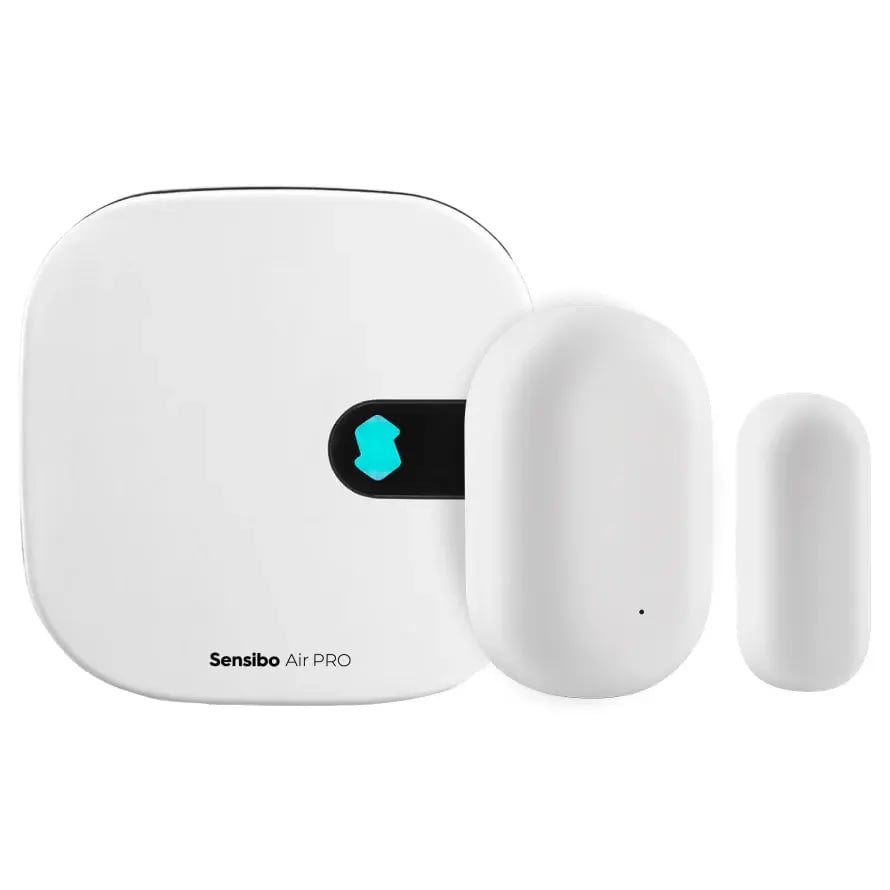
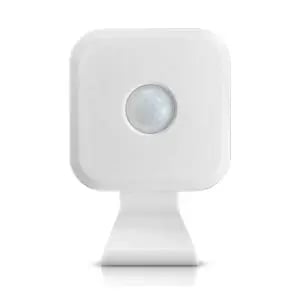
Smart controllers paired with room sensors can automate this through occupancy detection. Instead of warming your entire 2,000 square foot home uniformly, you heat the 800 square feet where life actually happens.
6. Monitor Your Energy Consumption
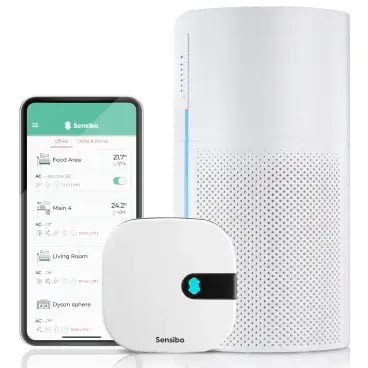
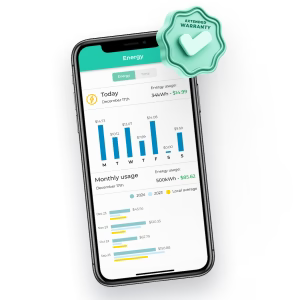
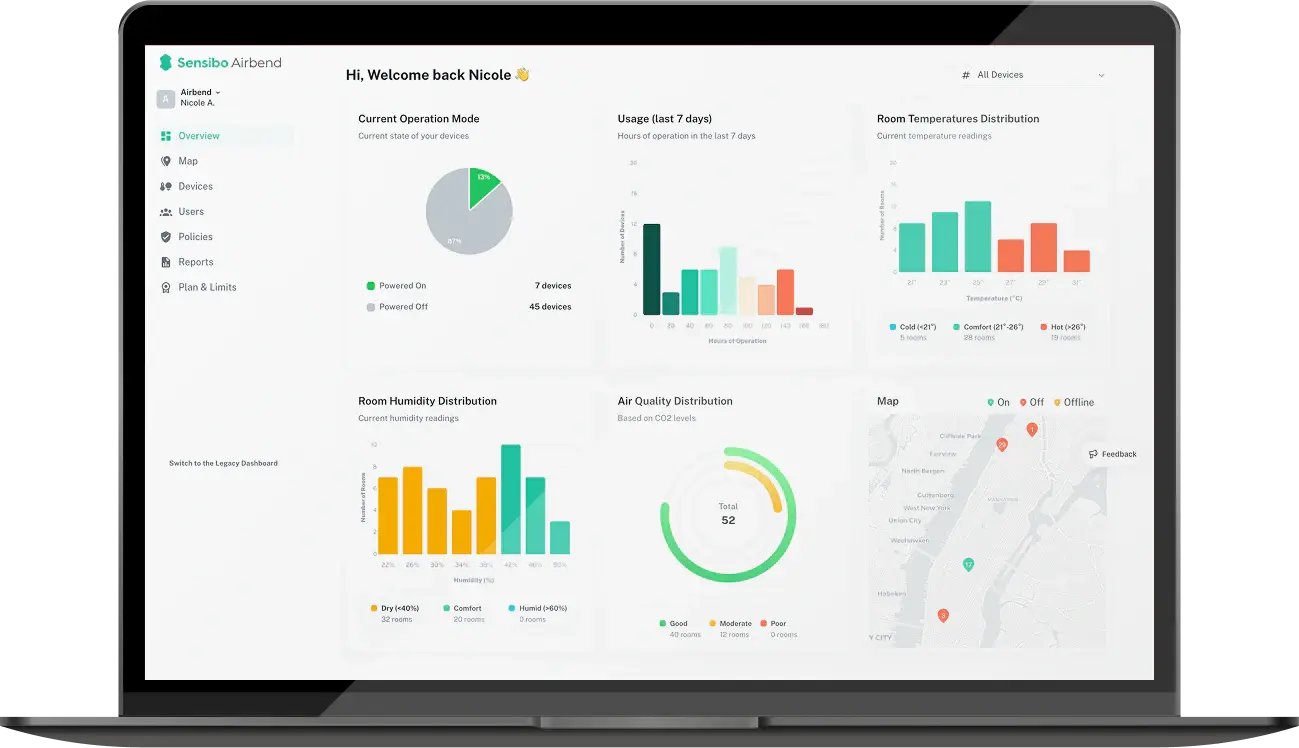
Most smart thermostats show exactly when and how much your heating system runs. Review this data to spot patterns. Maybe your system works harder on windy days. Sensibo's AI Assistant takes this further by analyzing your usage and suggesting schedule optimizations based on actual data.
7. Trust the Automation
Resist the urge to override your smart thermostat every time you feel slightly chilly. Every manual adjustment teaches the system that its learned schedule is wrong. Give your thermostat at least two weeks to learn your patterns before making changes. If a particular time of day consistently feels too cold, adjust the scheduled temperature for that period rather than overriding in the moment.
Estimated Savings by Action
|
Action |
Estimated Savings |
Effort Level |
|
8-hour daily setback (7-10°F) |
Up to 10% annually |
Set once |
|
Geofencing automation |
5-15% annually |
Set once |
|
Zone heating used rooms only |
10-20% annually |
Ongoing awareness |
|
Sealing air leaks |
5-10% annually |
Weekend project |
|
Monthly filter changes |
5-15% annually |
Monthly task |
Other Ways to Cut Winter Energy Costs
 Even the best energy efficient thermostat settings can't overcome a leaky house. Pair smart temperature management with these improvements.
Quick wins:
- Seal air leaks around windows, doors, and outlets with caulk and weatherstripping
- Reverse ceiling fan direction to clockwise on low speed
- Open south-facing curtains during sunny days, close them at dusk
- Add a humidifier to make 68°F feel like 72°F
Longer-term improvements:
- Improve attic and crawl space insulation if your home feels drafty
- Schedule annual HVAC maintenance before heating season
Many utility companies also offer demand response programs with bill credits when you allow slight thermostat adjustments during peak demand periods.
Making the Switch to Smart Climate Control
The transition takes about 60 seconds. Scan a QR code, connect to WiFi, and your existing heating system gains scheduling, geofencing, and usage analytics. No rewiring or HVAC technician needed. Your thermostat energy savings winter after winter compound automatically.
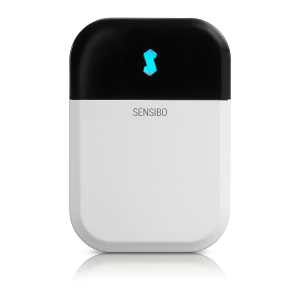
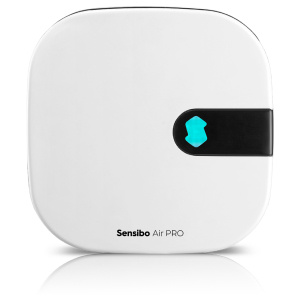
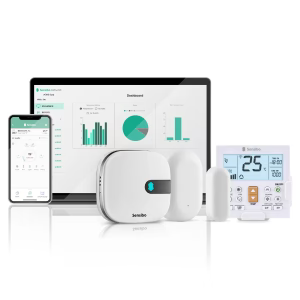
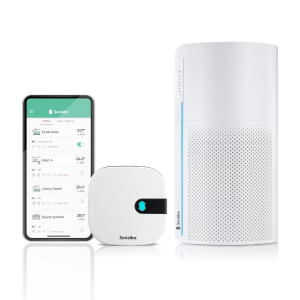
For homes with mini-split systems or heat pumps controlled by remote, smart AC controllers like Sensibo Air bring the same automation capabilities. The Sensibo Air Pro adds integrated air quality monitoring alongside climate control.
The most efficient home isn't the coldest one. It's the one that wastes the least energy on comfort nobody experiences. Smart thermostats succeed because they match your heating to your actual presence and preferences rather than treating every hour the same. That alignment between technology and lifestyle is where real savings live.

.png?height=200&name=image_2024-10-11_20-27-49%20(1).png)